 Security+
 CySA+
CySA+ PenTest+
 SecAI+
 Network+
 A+
A+ Cloud+
 Linux+
My Voice-to-Text Setup for Talking to AI Every Day
You're probably already talking to your AI rather than typing at it. Most people are, by now. The question is what you're using to do it, and whether it's the right thing.
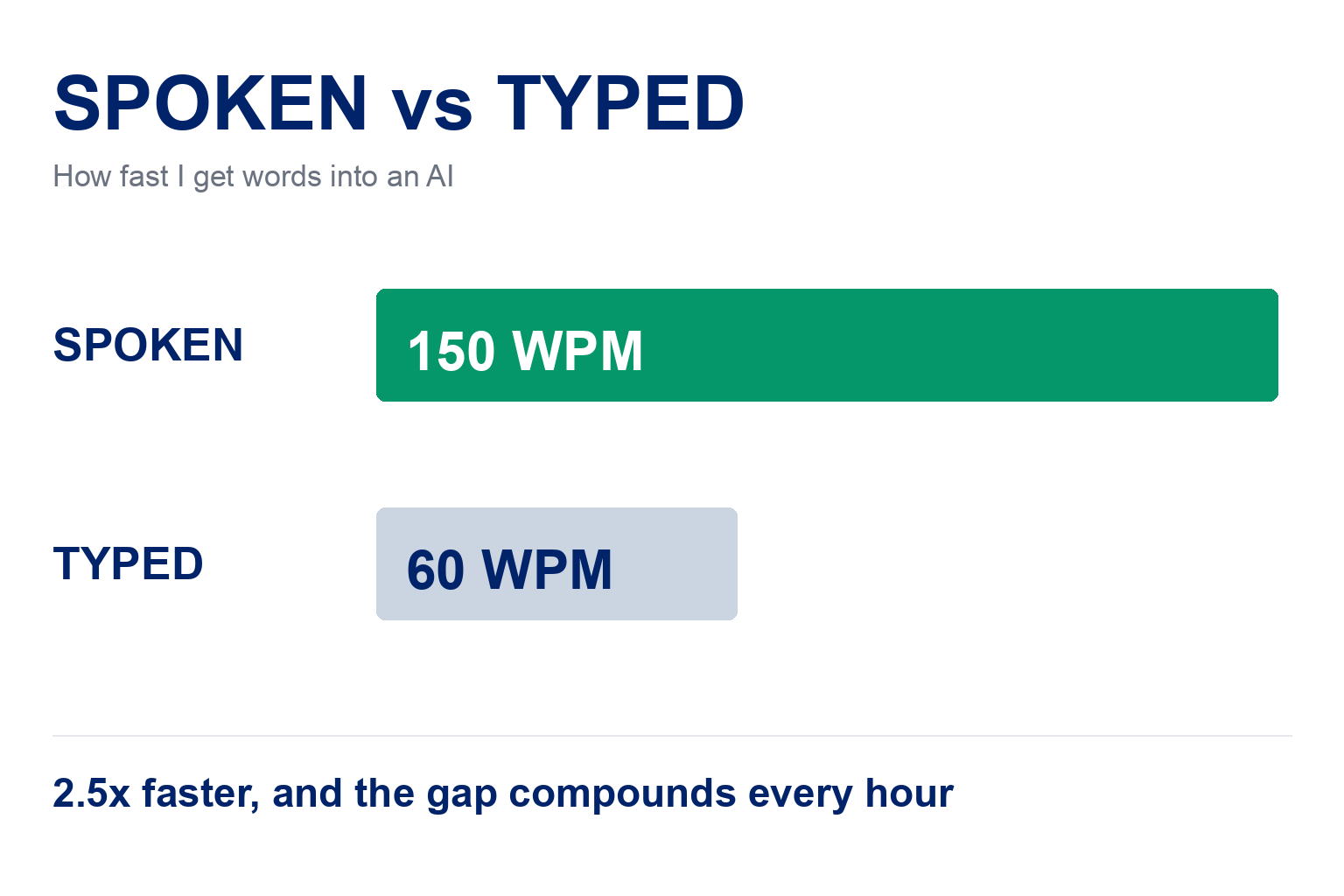
I work hundred-hour weeks and spend most of that day dictating, to Claude, to my own AI system, to whatever I'm building. Voice is the interface, not a convenience. I speak at about 150 words a minute and type at maybe 60, and that gap compounds across every hour of every day.
So I've just audited my setup after a couple of years of not questioning it, and changed two things. This is what I landed on and why.
TL;DR, if you've only got 30 seconds
Two tools, different jobs. Wispr Flow for talking into any app. MacWhisper for turning recordings into transcripts.
ElevenLabs Scribe v2 is my cloud default. 2.2% error rate at $0.22 per hour, against OpenAI's 4% at $0.36. More accurate, faster and cheaper.
Parakeet v3 locally as the backup. Honestly worse than cloud, but free, instant and it works when the cloud doesn't.
Groq and Grok are different companies. One letter apart, both listed in MacWhisper. Know which one you're signing up to.
Why the Setup Matters More Than You'd Think
The speed is obvious. What's less obvious is that voice makes your prompts better, not just faster to produce.
Prompting well means giving the model a lot of context: background, constraints, what you've already tried. Typed out that's a paragraph you can't be bothered to write, so you send three lines and get a worse answer. Spoken, it's fifteen seconds of rambling and the model gets the full picture.
So the friction matters. A setup that's slightly annoying to trigger, or that mangles your terminology, quietly pushes you back towards typing short prompts. That's the real cost of a bad setup, and it's why it's worth twenty minutes getting right.
In plain English
Cloud transcription runs about 22 cents per hour of audio, and hardly anyone dictates a solid hour. Locally it's free. You're buying a permanent speed increase on your main working input for roughly the price of a coffee a month, or nothing at all.
The Two Tools I Run
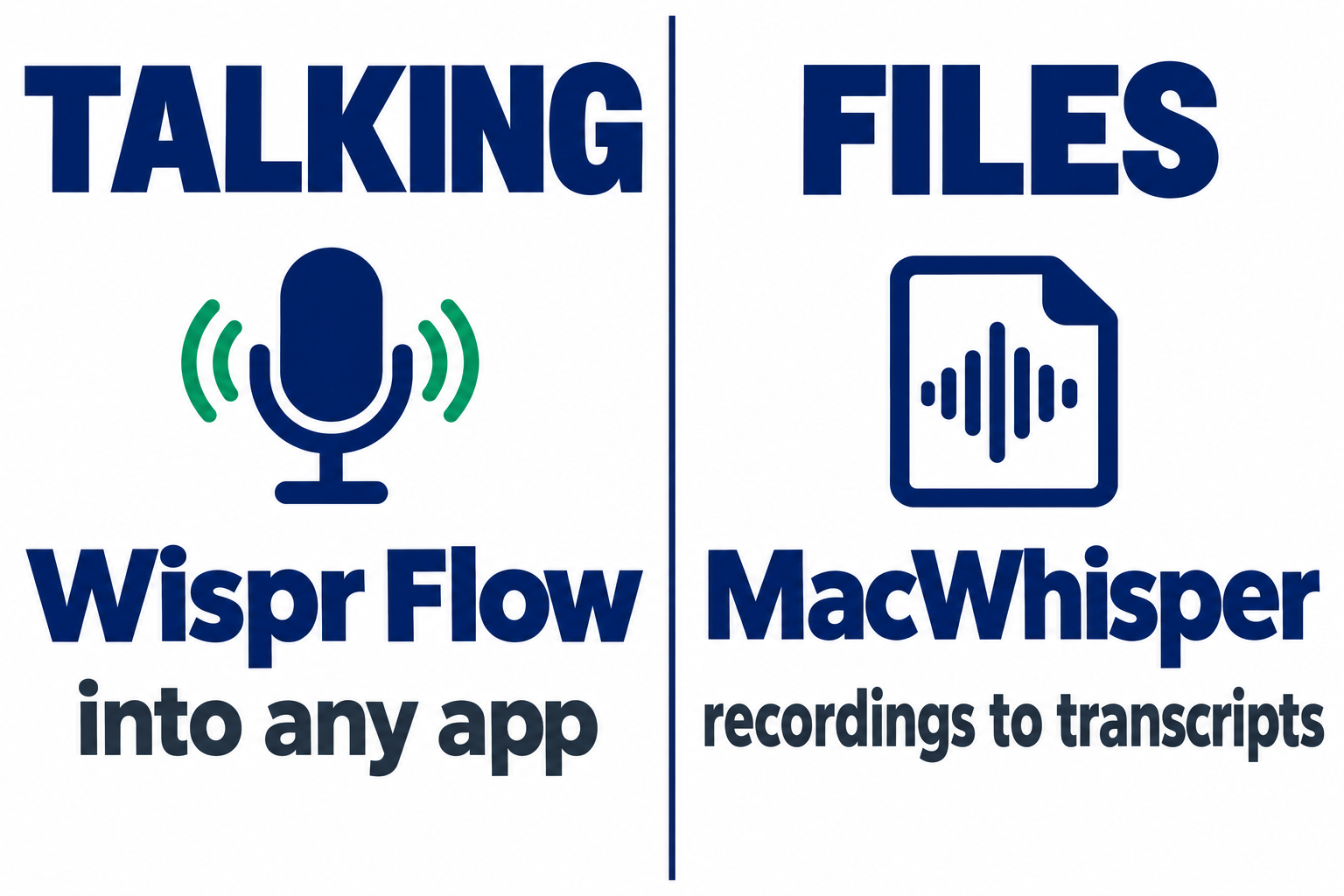
Wispr Flow, for talking into any app. Hold a key, talk, cleaned-up text appears wherever your cursor is. $15 a month. Cloud-only, so your audio goes to their servers.
Superwhisper, the local alternative to Flow. Same dictation-anywhere job, but it processes on your machine rather than in the cloud. I don't use it, but it's the one I'd point you at if Flow's cloud processing is a dealbreaker for your work.
MacWhisper, for turning recordings into transcripts. Calls, interviews, voice memos. One-off payment, around £59, Mac only. It lets you swap between local models and cloud providers, which matters more than I expected.
Flow is for talking. MacWhisper is for files. I use both every day and I've stopped thinking of them as alternatives.
One thing to be clear about before the pricing
Flow is a closed subscription: you pay the $15 a month and use whatever models they run. You don't plug your own provider into it. Everything I say below about choosing a transcription model and what it costs per hour applies to MacWhisper, which lets you bring your own API key or run a model locally. If Flow is all you want, you can read the model comparison as background and stop at the $15. If you want to choose your own model, that's the MacWhisper side, and it's where the interesting decisions are.
Why Not the Built-In One
Worth addressing, because plenty of tools ship voice input now. I work in Warp, and Warp has dictation built in. I don't use it.
The reason is the key binding. With Flow I've got dictation on my function key. One press, anywhere, in any app, same gesture every time. A built-in feature only works inside the app that ships it, so you end up with one way of talking in the terminal and a different one everywhere else. That inconsistency is enough friction that you stop bothering.
It sounds like a trivial difference. It isn't. The whole benefit depends on dictation being so frictionless you reach for it without deciding to, and a single global key does that in a way per-app buttons never will.
What I Switched To, and Why
ElevenLabs Scribe v2 is my default now. I'd been on OpenAI's gpt-4o-transcribe for years without auditing it. Side by side:
| OpenAI gpt-4o-transcribe | ElevenLabs Scribe v2 | |
|---|---|---|
| Accuracy | ~4% word error rate | 2.2% |
| Speed | 42× realtime | 60× |
| Cost per hour | $0.36 | $0.22 |
| Speaker labels | None | 32 speakers |
More accurate, faster and cheaper. No case for staying where I was.
After hours of daily use the gap is real. I'm correcting noticeably fewer words. But the thing that actually mattered isn't on any leaderboard: it stopped mangling my vocabulary. Security terms, certification acronyms, product names. The words I say fifty times a day that the old setup kept guessing at. When you're dictating instructions to an AI, a mangled term means a wrong answer, so this matters more than the raw error rate suggests.
Worth knowing it isn't the fastest. Deepgram Nova-3 runs 522× realtime against ElevenLabs' 60×. For pipeline work, look at Deepgram. For talking, you won't notice.
That's the cloud half sorted. The other half is what happens when the cloud isn't there.
The Local Model, and Why I Keep One
Parakeet v3 runs on my Mac. It's roughly seven times faster than Whisper Large v3 Turbo and slightly more accurate, because it targets Apple's Neural Engine directly.
The honest caveat
Parakeet is noticeably worse than the cloud models. Whisper is decent, Parakeet edges it, and both sit clearly below a good cloud model. Anyone claiming local is nearly as good isn't using it all day.
I keep it for two reasons that beat accuracy:
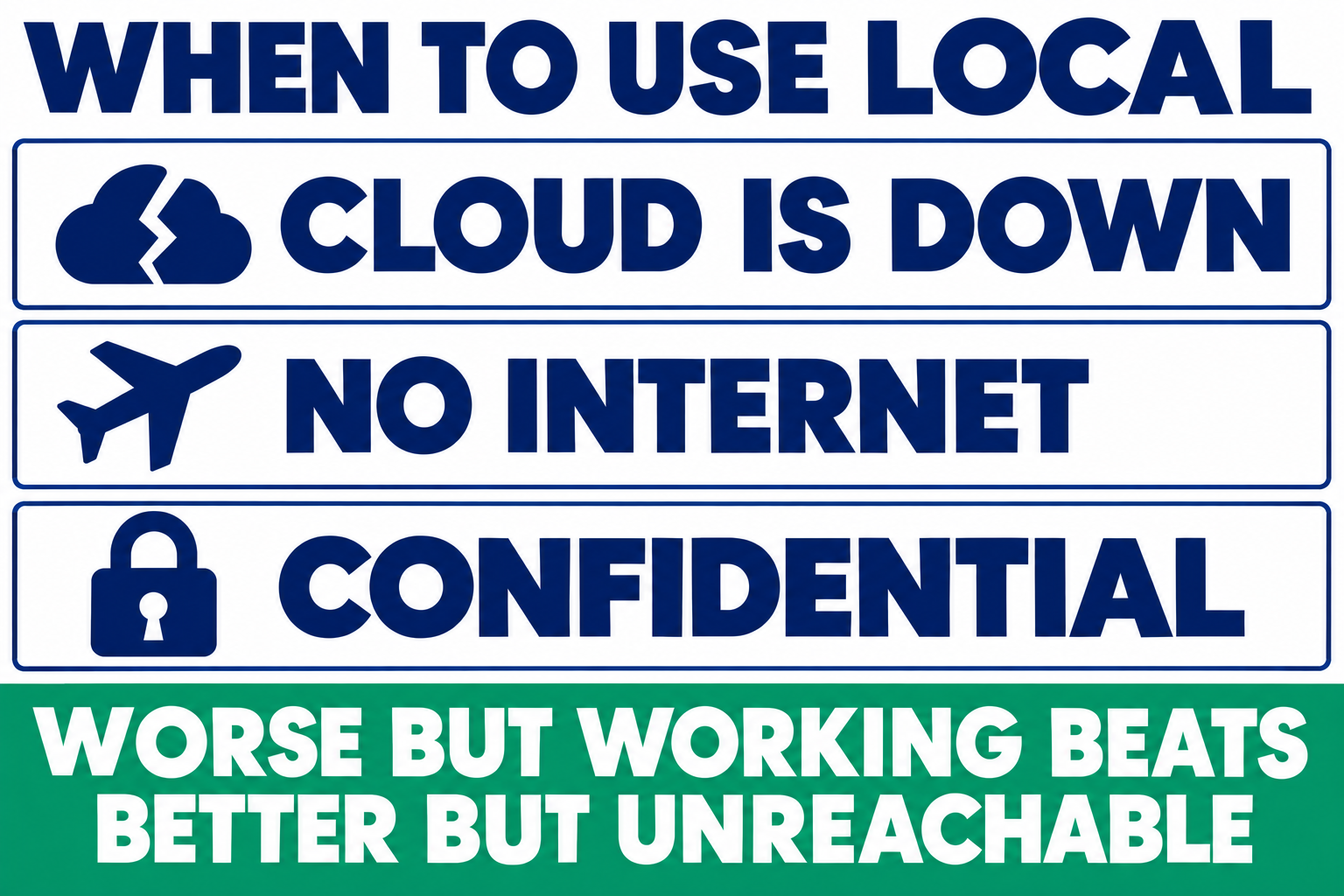
Cloud providers go down. Never at a convenient moment. A local model already configured turns that into a two-click annoyance rather than a dead afternoon. Same for trains, planes and bad hotel wifi.
Some things shouldn't leave the machine. I handle student data and commercial material. That isn't mine to upload to a third party at any price.
Worse but working beats better but unreachable.
One Trap Worth Knowing
The cheapest cloud option by a distance is Groq at $0.04 per hour, about a fifth of what I pay ElevenLabs and a ninth of what I was paying OpenAI.
I didn't get to use it, for two unrelated reasons that are both worth passing on.
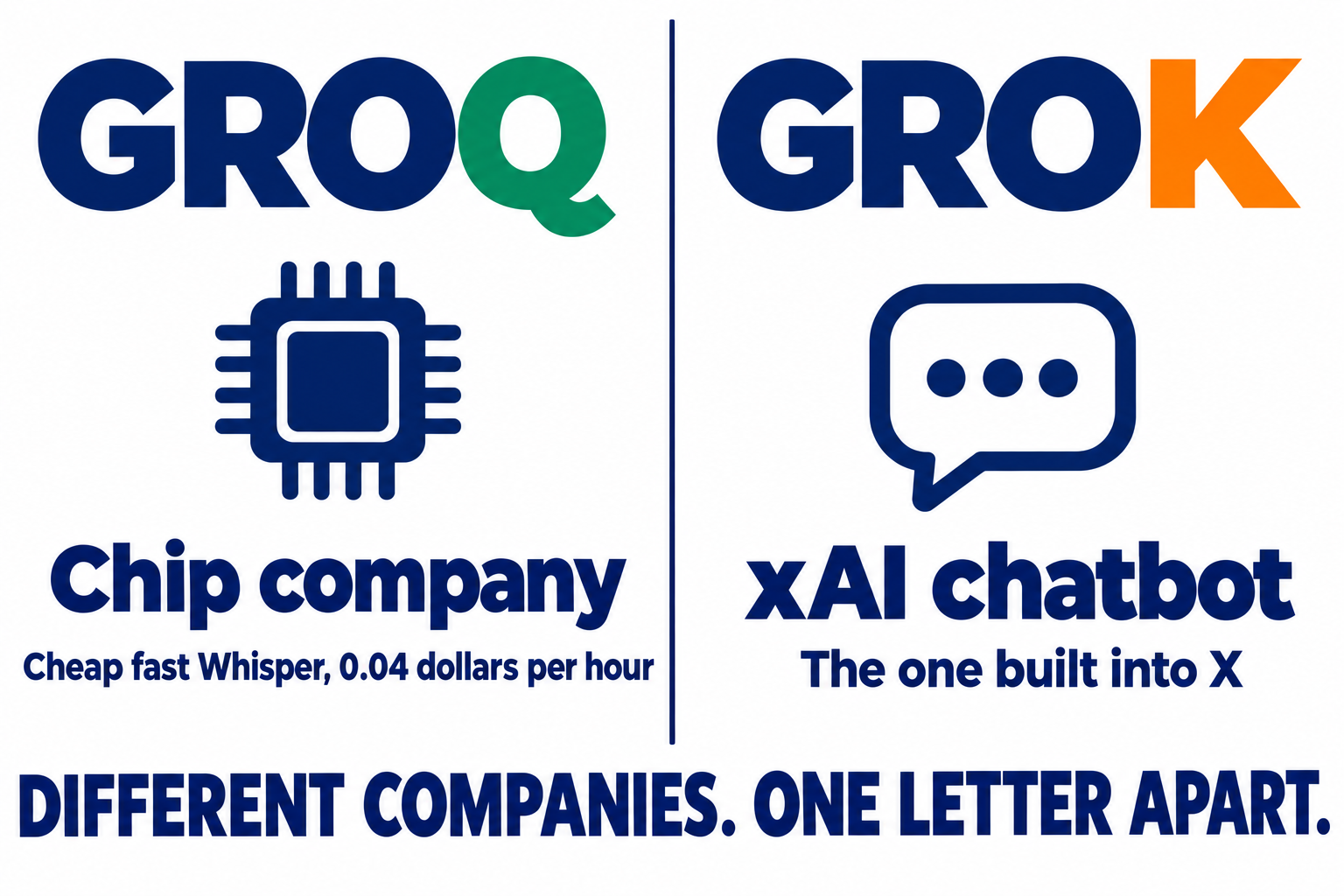
The first is the name. Groq with a Q is a chip company that runs Whisper very fast and very cheap. Grok with a K is xAI's chatbot, the one built into X. They're separate companies, and both appear as their own provider tiles in MacWhisper. I knew the difference and still opened the wrong site, because at a glance in a list they are the same word.
The second has nothing to do with the first. Once I was on the right site, I couldn't reach it: Groq's console returns a 403 to my IP address. I spent a while assuming I'd broken my own login before doing the obvious thing and testing from a terminal:
curl -o /dev/null -w '%{http_code}\n' https://console.groq.com/login
403
curl -o /dev/null -w '%{http_code}\n' https://groq.com
200
The marketing site is fine, the console isn't, which means it's their edge blocking my address rather than anything to do with my account. One command told me more in two seconds than twenty minutes of clicking had. If a site won't load, check it that way before you assume it's you.
So the cheapest option on the list is simply unavailable to me. Which makes the rest of the numbers worth looking at properly.
The Numbers Behind the Decision
I didn't pick any of this on vibes. I priced and benchmarked every provider my apps support before changing anything, and the tables below are what made the choices obvious. They're also the fastest way to sanity-check my reasoning, or to reach a different conclusion if your priorities differ from mine.
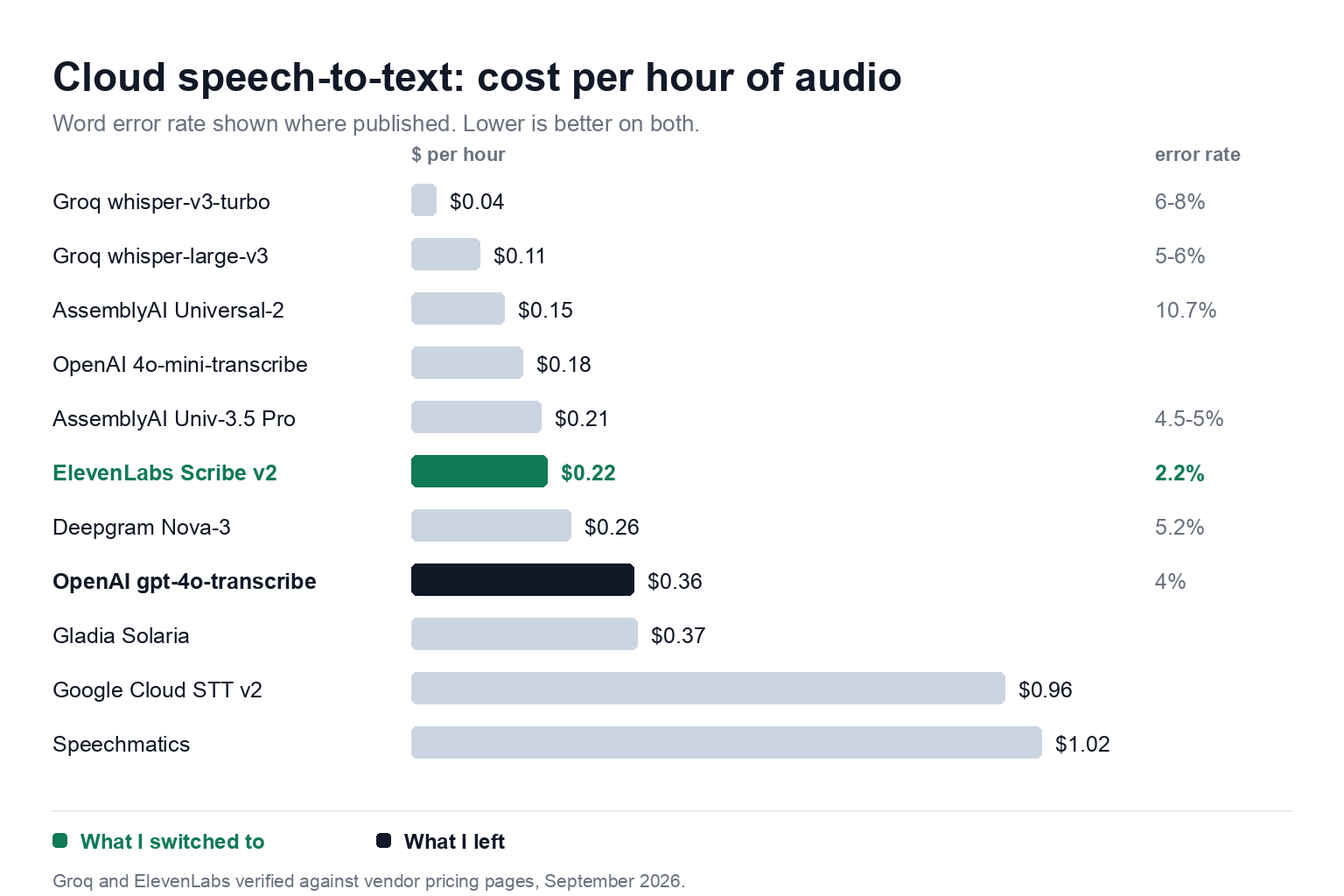
Cloud providers, per hour of audio
| Provider / model | Cost per hour | Word error rate | Speed | Speaker labels |
|---|---|---|---|---|
| Groq whisper-large-v3-turbo | $0.04 | ~6-8% | 216× | No |
| Groq whisper-large-v3 | $0.111 | ~5-6% | fast | No |
| AssemblyAI Universal-2 | $0.15 | ~10.7% | n/a | Yes |
| OpenAI gpt-4o-mini-transcribe | $0.18 | n/a | n/a | No |
| AssemblyAI Universal-3.5 Pro | $0.21 | ~4.5-5% | n/a | Yes |
| ElevenLabs Scribe v2 | $0.22 | 2.2% | 60× | Yes, 32 speakers |
| Deepgram Nova-3 | $0.258 | 5.2% | 522× | Yes, costs extra |
| OpenAI gpt-4o-transcribe | $0.36 | ~4% | 42× | No |
| Gladia Solaria | $0.366 | n/a | n/a | Yes |
| Google Cloud STT v2 | $0.96 | n/a | n/a | Yes |
| Speechmatics | $1.02 | n/a | n/a | Yes |
I checked the Groq and ElevenLabs figures against the vendors' own pricing pages. The rest come from comparison write-ups, so verify before you commit.
Two observations. Google Cloud at $0.96 per hour and Speechmatics at $1.02 make no sense for an individual: four times the ElevenLabs rate with no published accuracy advantage I can find. And Deepgram is the one to look at if you're processing volume, at 522× realtime for a similar price.
Local models
| Model | Mean English WER | Speed on Apple Silicon | Languages |
|---|---|---|---|
| Qwen3-ASR 1.7B | 5.76% | slow, wants a GPU | multi |
| Parakeet v3 | 6.32% | ~103× realtime | English-focused |
| Whisper Large v3 | 7.44% | n/a | 100+ |
| Whisper Large v3 Turbo | ~8% | ~14× realtime | 100+ |
Those come from the HuggingFace Open ASR Leaderboard, the closest thing to a neutral scoreboard here. Qwen3-ASR is the most accurate local model on that table, but it's built for GPU inference and it's slow on a Mac. Half a percentage point isn't worth an order of magnitude of speed when the local model is your fallback rather than your default.
The dictation apps
| App | Price | Processing | Platforms |
|---|---|---|---|
| Wispr Flow | $15/mo, or $144/yr | Cloud only | Mac, Windows, iOS, Android |
| Superwhisper | $84.99/yr or $249.99 lifetime | Local | Mac only |
| MacWhisper | ~£59 one-off | Local or cloud, your choice | Mac only |
Flow has a free tier at roughly 2,000 words a week on desktop, which is enough to work out whether the habit sticks before you pay for it.
Picking from that lot
My priorities were accuracy first, then reliability. Yours might not be, so:
Accuracy above all. ElevenLabs Scribe v2 at 2.2%. Nothing else on the list is close.
Processing serious volume. Deepgram Nova-3. Nine times quicker than ElevenLabs at a similar price, and the accuracy gap won't matter across hundreds of hours.
Cheapest that's still good. Groq at $0.04 per hour, if you can reach it. Check before you sign up.
Speaker labels for interviews. ElevenLabs or AssemblyAI. OpenAI can't do it at all.
Nothing can leave the machine. Parakeet v3 locally. Not the most accurate, but it's the only category where that isn't the deciding factor.
Non-English. Whisper Large v3 Turbo. Parakeet is English-focused.
The one thing I'd say regardless of priority: don't stay on a provider you picked two years ago without re-checking it. Mine had quietly become the worst option on the list while I wasn't looking.
If You Want to Try This
The setup matters less than the habit. Talking to an AI instead of typing at it is the change worth making; the tools just decide how much friction sits in the way.
Check what you already own. I had a faster local model downloaded and unused for months.
Test on your own voice. Every accuracy figure here was measured on someone else's audio. Record sixty seconds of your normal talking and run it through two options. Watch the specific words your job depends on, not the overall score.
Keep a second option configured, for when the first one is down.
That third one needs a bit of explaining, because it's where most people stall.
How the cloud model actually gets into MacWhisper
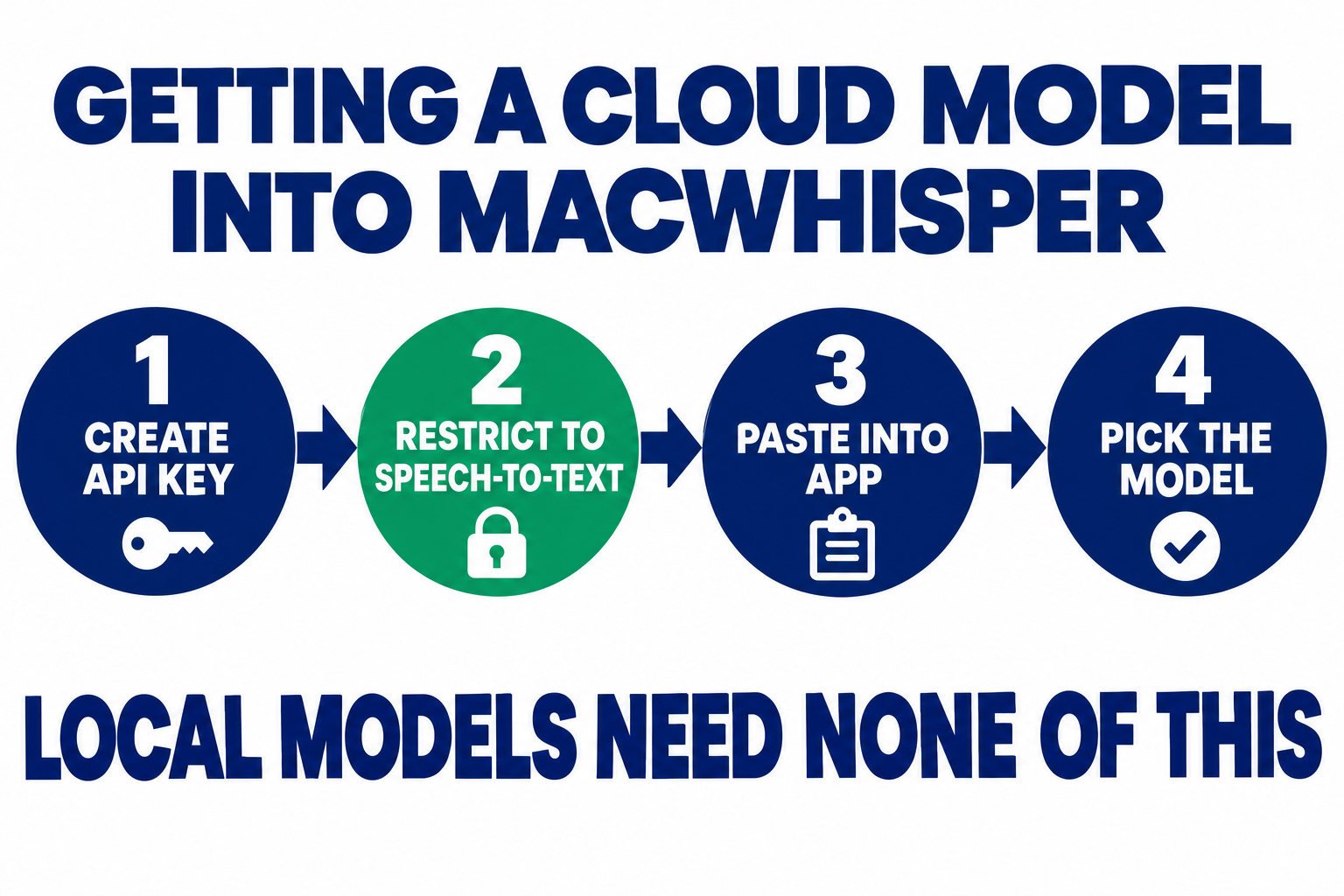
Worth spelling out, because it tripped me up and the apps don't explain it. MacWhisper doesn't resell transcription. You bring your own account, and you're billed by the provider, not by MacWhisper.
Make an account with the provider you picked, then create an API key in their developer settings. On ElevenLabs that's under Developers, API Keys.
Restrict the key to speech-to-text before you copy it. ElevenLabs lets you scope a key per endpoint, so a key that can only transcribe can't be used to burn through your text-to-speech credits if it leaks. Most people skip this. Don't.
Paste it into the matching provider tile in MacWhisper's settings and choose the model, Scribe v2 in my case. The key is shown once, so save it somewhere before you close the page.
Local models need none of this. You download them inside the app and they run on your machine with no account and no key at all.
Ten minutes, and after that switching between a cloud model and a local one is two clicks.
The one thing
Spend twenty minutes auditing a setup you haven't looked at since you configured it. I'd assumed for two years that mine was sorted, and in that time I found a faster local model I already owned, a more accurate provider than the one I was overpaying for, and a bargain I can't even reach.
FAQ
Is voice dictation actually faster than typing?
For me, substantially, though the honest answer is that it depends on what you are producing. For prose you would have written anyway, expect roughly double. For anything requiring precise syntax, code, config, exact file paths, typing still wins and I switch back. Dictation pays off most on the messy explanatory writing that you would otherwise skip: the context paragraph, the background, the bit you cannot be bothered to type.
What's the difference between Wispr Flow and MacWhisper?
They solve different problems, so the real question is which one you need first. If most of your writing happens live, in a chat window or an editor, start with Wispr Flow or Superwhisper and you may never need the other. If you are mainly processing recordings after the fact, meetings, interviews, voice memos, start with MacWhisper. The overlap is small enough that buying both only makes sense once you are doing both jobs daily.
Which cloud transcription model is the most accurate?
ElevenLabs Scribe v2, at a 2.2% word error rate on published benchmarks, which is the lowest of anything I tested. It costs $0.22 per hour of audio. That's cheaper than OpenAI's gpt-4o-transcribe at $0.36 per hour, which also has a higher error rate at roughly 4%.
Are local speech-to-text models as good as cloud ones?
No, and I'd be wary of anyone saying otherwise. Parakeet v3 is the best local option I've used on a Mac and it's still noticeably worse than a good cloud model in daily use. What local gives you is speed, zero cost, and the fact that it always works. That matters when your cloud provider has an outage or you're offline.
What's the difference between Groq and Grok?
They're separate companies with names one letter apart. Groq, with a Q, builds inference hardware and runs Whisper transcription cheaply at around $0.04 per hour. Grok, with a K, is xAI's chatbot, the one built into X. Both appear as separate providers in MacWhisper, which catches people out constantly.
Do I need to pay for transcription at all?
No. Local models like Parakeet v3 and Whisper are free and run entirely on your machine. Cloud transcription is worth paying for when accuracy matters, but at roughly 22 cents per hour of audio it's a small cost even at heavy use. Sensitive material shouldn't go to a cloud provider at any price.
Prices and benchmarks checked September 2026. This moves quickly, so check the vendor's pricing page before committing.
About the Author

Nathan House, Founder & CEO of StationX
Nathan House has 30 years of hands-on cybersecurity experience and is Cambridge-educated, holding CISSP, CISA, CISM, OSCP, CEH, and SABSA. He founded StationX in 1999 — one of the UK’s first cybersecurity companies — and has secured £71 billion in UK mobile banking transactions and the London 2012 Olympics, advising clients including Microsoft, Cisco, BP, Vodafone, and VISA. He authored the world’s most popular cybersecurity course — a #1 Udemy bestseller taken by over 500,000 students — and was named Cyber Security Educator of the Year 2020, AI Security Educator of the Year, and a UK Top 25 Security Influencer 2025. A DEF CON speaker and featured expert on CNN, Fox News, NBC, and the BBC, Nathan leads StationX’s training of more than half a million students worldwide.